overclock95
Description
Idle Clicker Autobattler where you aid a robot through 10 levels. Made for the GMTK2025 game jam.
How to Play
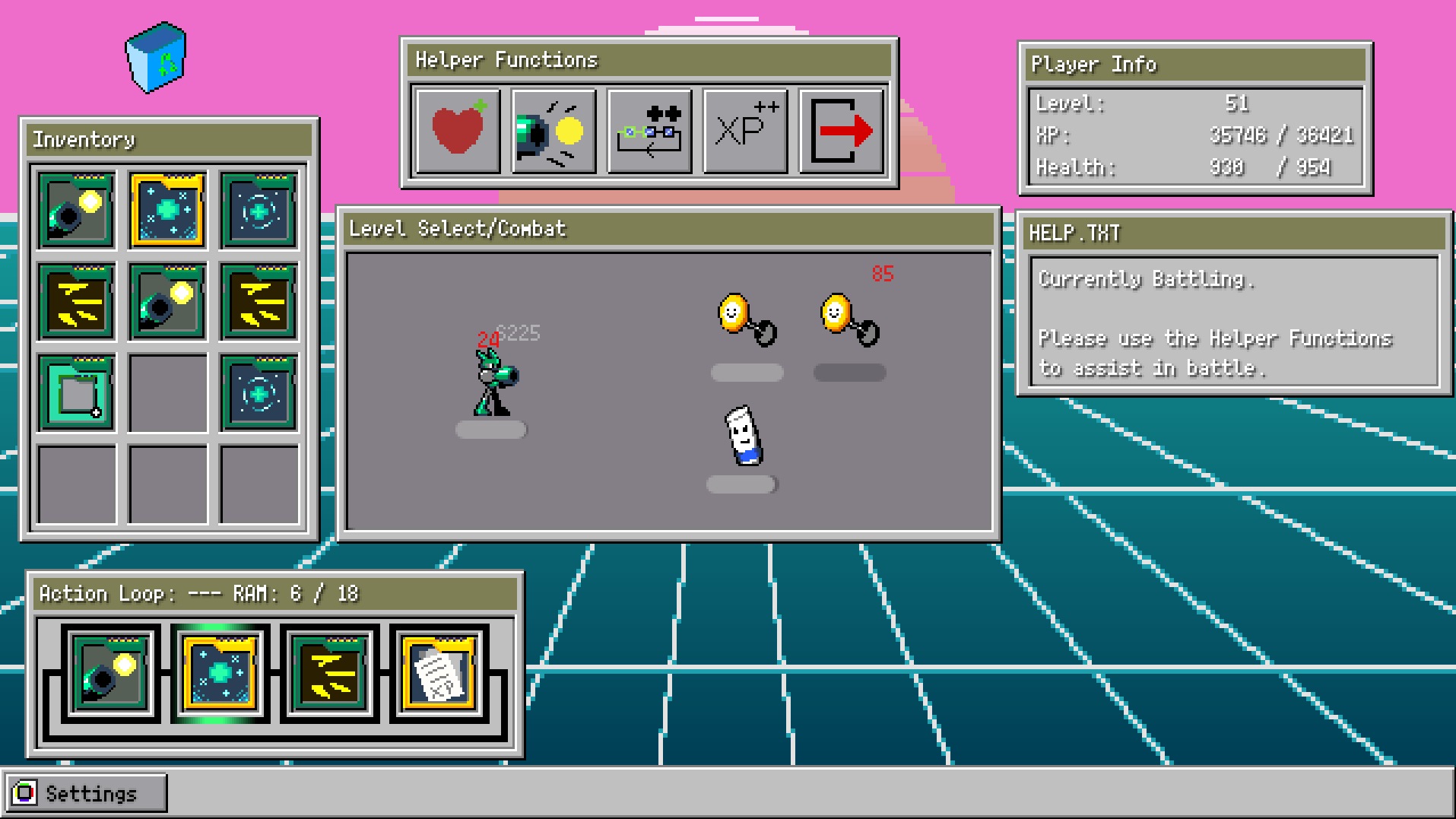
Stage Select
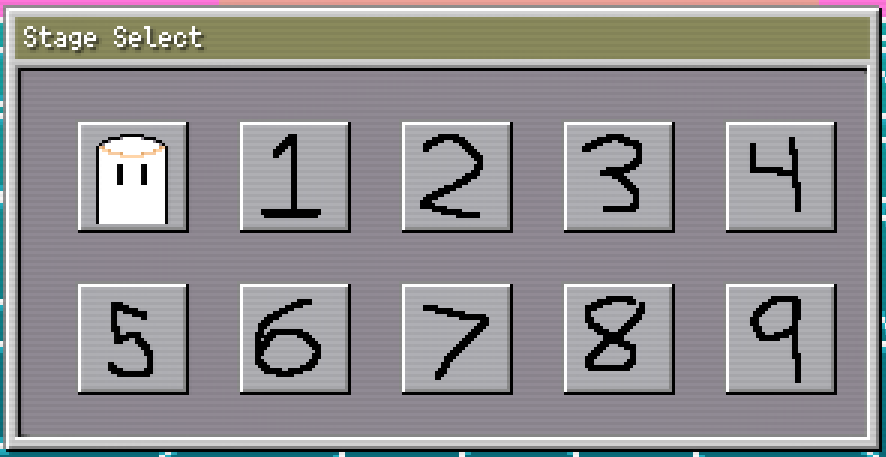
The player may select any stage to begin combat. Enemies are more powerful in higher-numbered stages.
Completing a stage will aware the player with an extra Action Loop slot.
Beat the game by clearing Stage #9.
Hovering over a Stage Select button will shop the Stage's completion status in the HELP.TXT info panel.
You may not enter a stage while your health is 0. If you find that clicking a Stage Select button does not load the stage, check your health and try using the Heal Helper function to get back to full health.
Combat
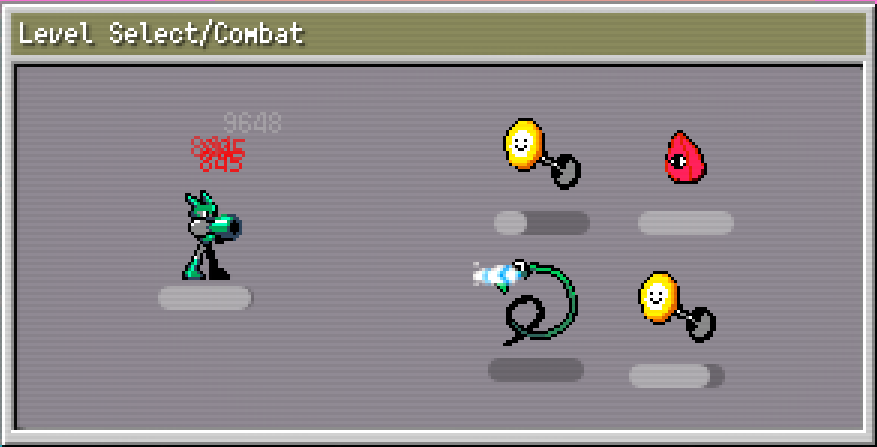
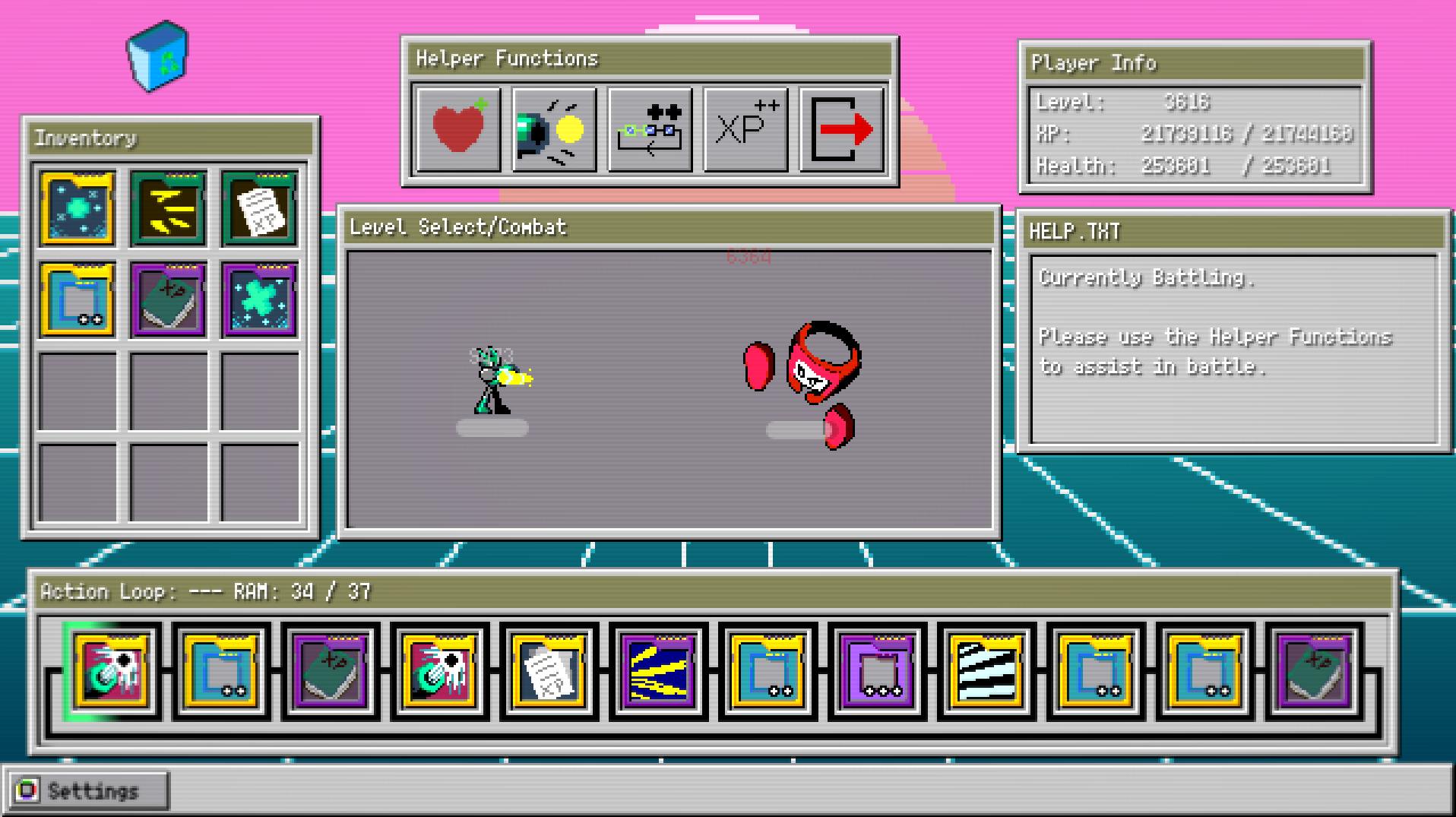
After a player selects a stage, they enter combat. Combat happens automatically with no need for the player to intervene. During combat, the player will fight a number of enemies that spawn in automatically. The combat stage is cleared once all enemies and the boss are defeated.
During combat, any attacks on the Action Loop will automatically be executed. Additionally, the player may click the Shoot Helper Function to deal damage to enemies.
If the player's health reaches 0, combat is lost. After which, the player must heal their robot with the Heal Helper Function before entering a new Combat Stage.
Action Loop
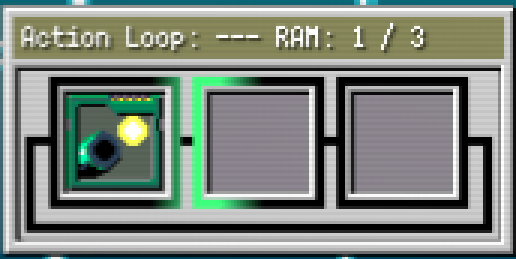
The Action Loop will cycle through equipped Action Chips and execute their Actions. Action Chips can deal damage to enemies, heal the player, gain XP, or even have a chance to gain new Action Chips.
The Action Loop has a maximum RAM limit that will increase with the player's level. Action Chips have a RAM cost.
Action Chips may be equipped to the Action Loop by dragging and dropping them from your Inventory into an empty Action Loop slot.
Completing a stage will aware the player with an additional Action Loop slot with a maximum of 12.
If you hover over an Action Chip, information about that chip will be shown in the HELP.TXT info panel.
Helper Functions
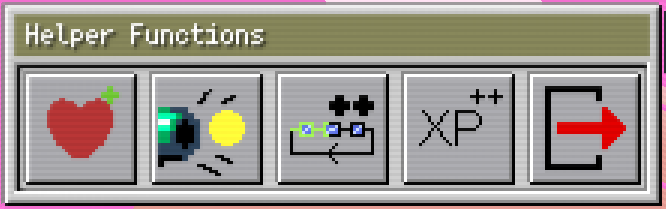
Click any of the Helper Functions to aid your robot in and out of battle. These buttons may be clicked without restraint, as there is no cost; they only benefit you.
Heal
Heal for a small amount of health. Can be used in or out of battle.
Shoot
Shoot for a small amount of damage. Can only be used in battle.
Boost
Speed up the Action Loop a small amount. Can be used in or out of battle.
XP++
Gain a small amount of XP. Can be used in or out of battle.
Abort

Exits battle early. Can only be used in battle.
Inventory
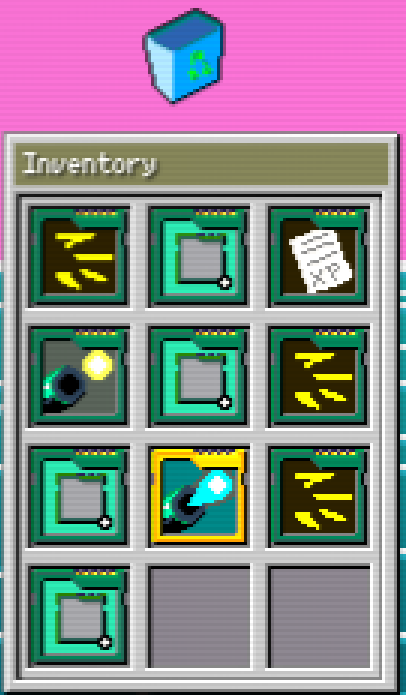
The Inventory is where unused Action chips are stored.
Action chips are acquired sometimes when defeating enemies. Also, there are some Action chips that have a chance to create a new Action Chip when they are executed on the Action Loop. Any acquired Action Chips are automatically placed in the Inventory.
You may sell Action Chips for XP by drag and dropping them on the Recycle Bin.
If the Inventory is full, any acquired Action Chips are automatically sold for XP.
If you hover over an Action Chip, information about that chip will be shown in the HELP.TXT info panel.
CREDITS
Game
Audio Assets
- "Chase" by Adiutorium
https://opengameart.org/content/chase-2
- "GoodNight" by migfus20
https://opengameart.org/content/goodnight-lofi
- Click Sound: https://opengameart.org/content/click-sounds6
Leave a comment
Log in with itch.io to leave a comment.